
Click a site to open it on the right. The top has wp-admin (a one-time login, no password needed), Check now and, when something waits, Update all. The ⋯ menu has more, like planned maintenance and removing the site from PitwallWP.
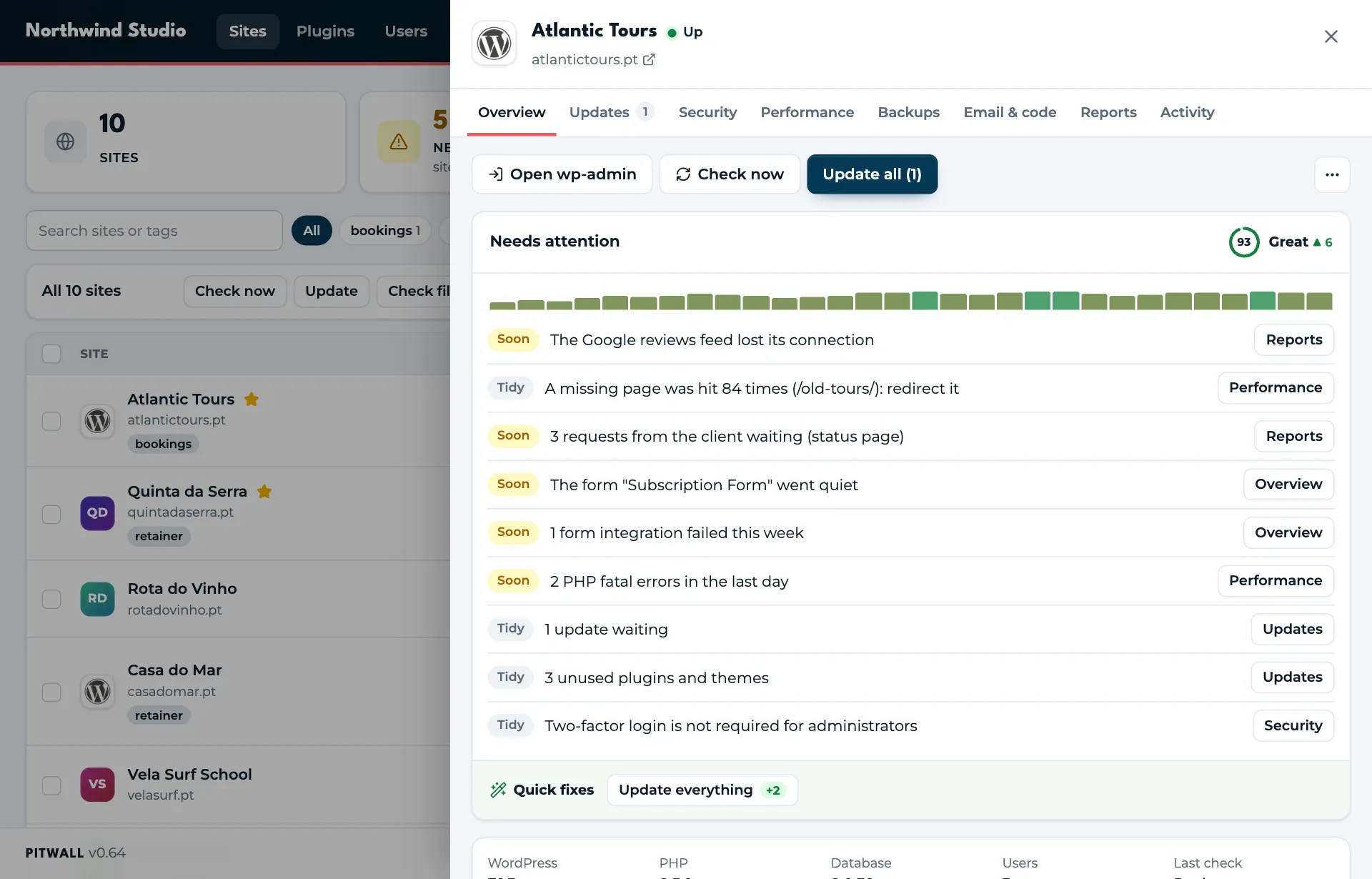
- Overview: Needs attention lists every open point, most urgent first, each with the tab that fixes it; the ring is the health score. Below: versions, uptime, the HTTPS certificate, the domain, pages to watch and forms.
- Updates: what waits (with What’s new), Autopilot, the visual check, the staging copy, unused plugins and recently removed ones (kept 7 days, Put back restores them).
- Security: vulnerabilities, the file check and quarantine, hardening, WP admin options, administrators and DNS records.
- Performance: PageSpeed, the busiest pages timed, images, page cache, database health, PHP errors, disk space, SEO basics and Google Search.
- Backups: database backups (download, restore, undo) and file backups (find a file, download it or put it back).
- Email & code: emails sent and failed, the sender domain’s records, and the site’s code snippets.
- Reports: visitors, reviews, client requests, the status page, social images, the client’s contact and the monthly report.
- Activity: everything done on the site, by whom, and the work log.
A small number next to a tab is what needs a look there. PitwallWP reopens the tab you used last.
Cards that fold
Each tab opens with what matters: its main cards, and any card with something to look at. The rest fold to their title line, with their status still showing; click a title to open it, or use Open all and Fold all at the top. What you open or fold is remembered. On the Overview, the website checklist shows what needs care first (the rest one click away), and Tasks the first five.