
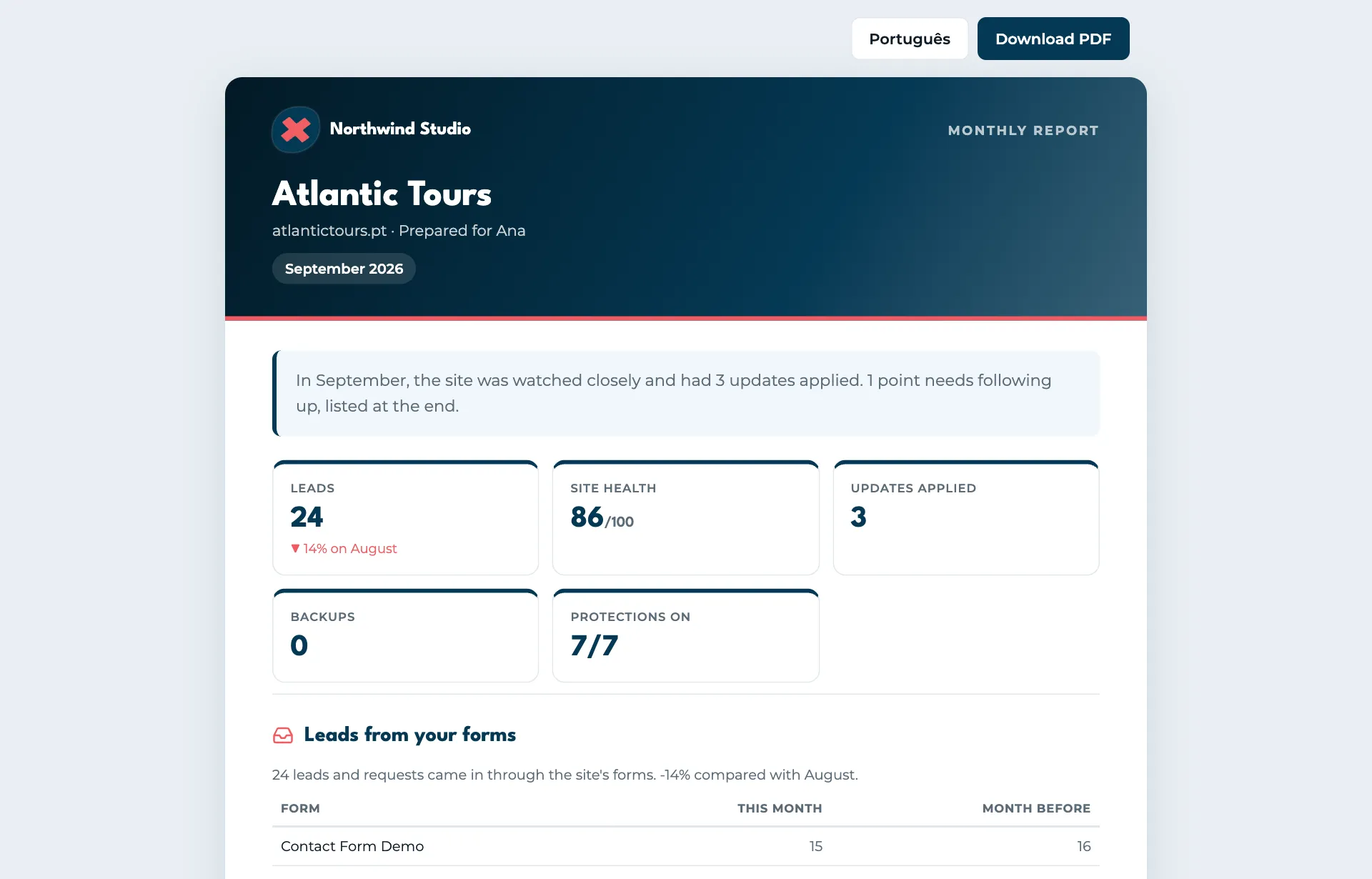
Each month has a report page per site, in Portuguese or English, ready to read online or download as a PDF: visitors, uptime, updates, security, backups, speed, reviews, leads, revenue and what is still open.
What reports show
In Settings, Client reports each part is a card with what it adds; click anywhere on a card to switch it. A site can have its own choice in its Reports tab. New parts PitwallWP adds later are switched on in saved choices too, so no report misses them.
- Add a note for the month; it shows near the top and in the email.
- Reports, PDFs and emails use your Branding (Settings).
- The Download PDF button makes the same file on every computer and phone, with the page breaks in the right places.
Emailed on the 1st
With a client contact and “Email the report on the 1st”, the report goes out on the 1st, through the site chosen in Settings. The email is short: three numbers and a button to the full report.
Status page for the client
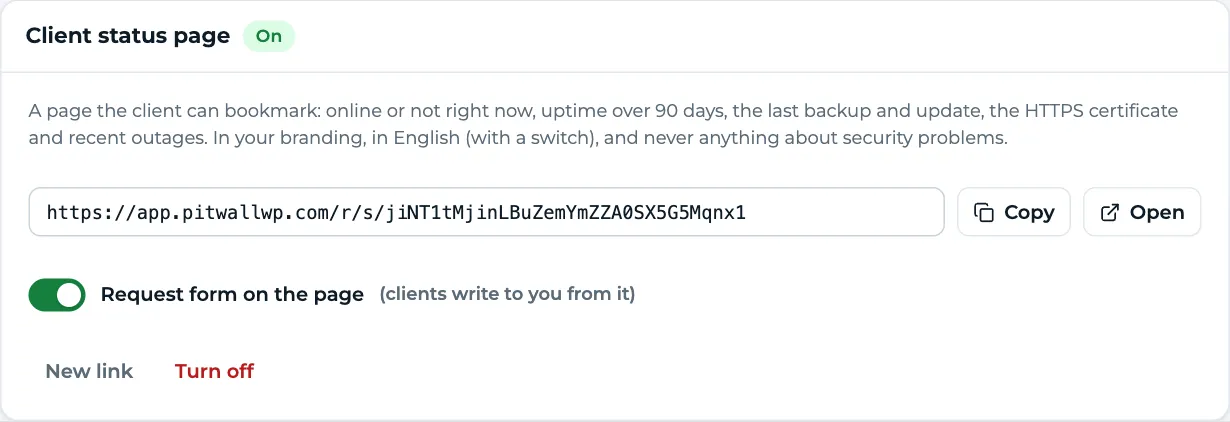
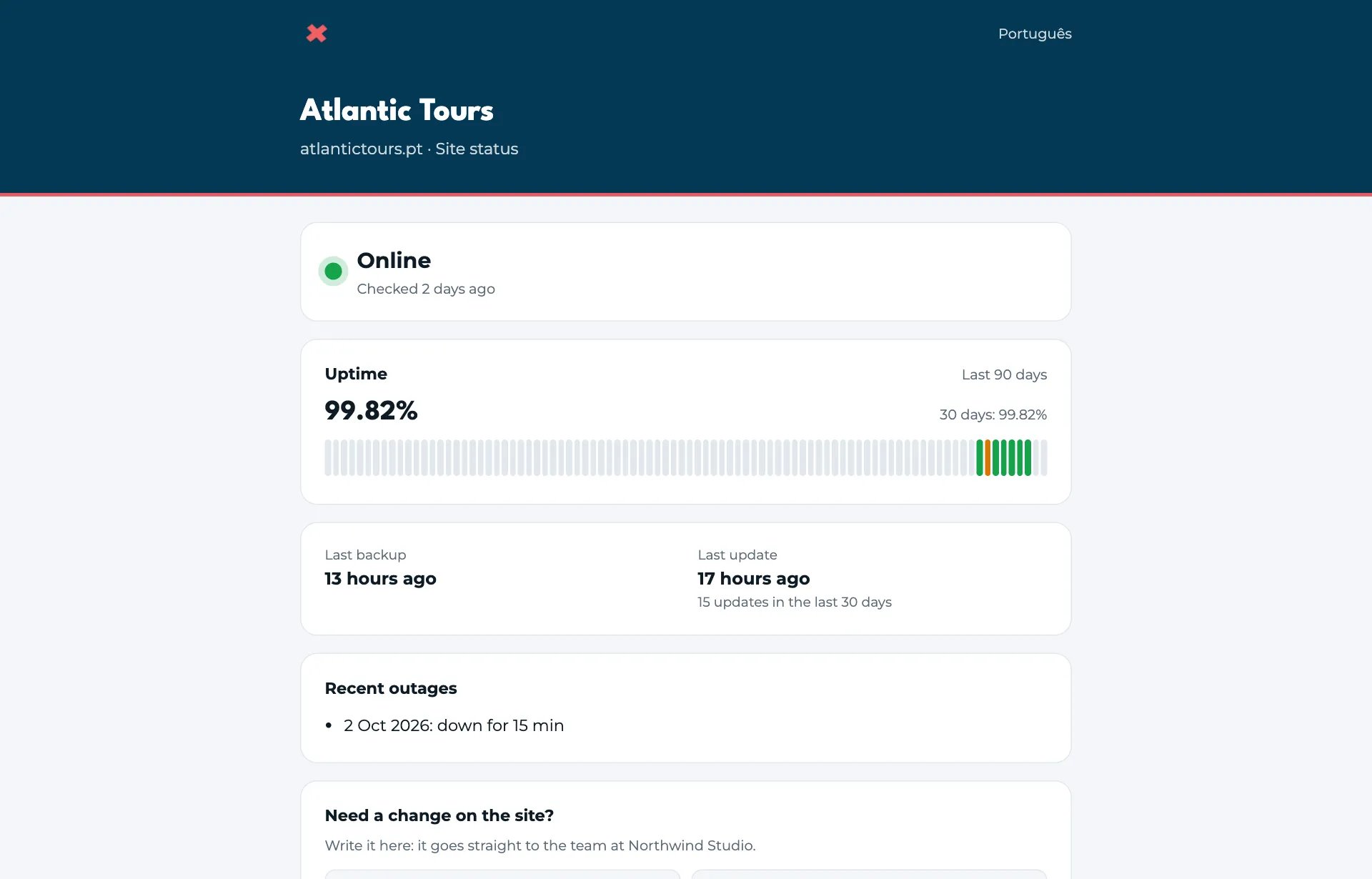
In a site’s Reports tab: a link the client can bookmark, showing whether the site is online right now, uptime over the last 90 days, the last backup and update, the HTTPS certificate and recent outages, in your branding and the report’s language (with a switch). It never mentions security problems. New link ends the old one; Turn off ends it for good.
Client requests
Clients can send a request from the status page (name, email, message). It arrives in the bell, on Telegram and in the site’s Reports tab, under Client requests, where you mark it done. At most five requests an hour per site. Switch the Request form off on a status page when requests should not come from there.
When a client stops the reports
Every monthly report email ends with a link to stop them. It opens a page that asks first; once confirmed, that address no longer gets the reports (its contact’s Gets the reports is turned off) and the activity log notes it. To send them again, turn it back on in the client’s contacts.