
Alerts go to your team’s Telegram group as they happen; the morning summary says what needs someone and what happened in the last day.
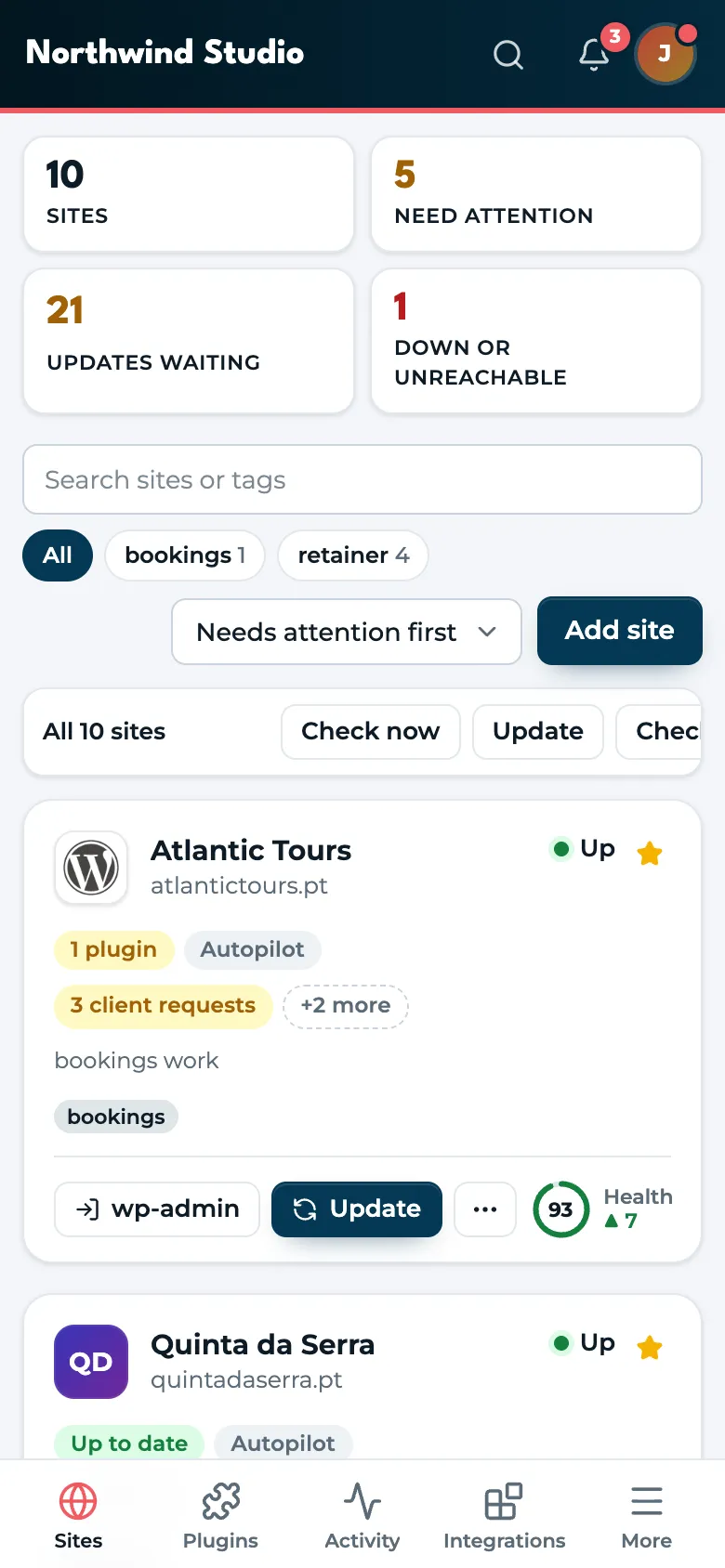
On your phone: in Safari (iPhone) or Chrome (Android), open PitwallWP, choose Share, then Add to Home Screen. Open it from the home screen, go to Settings, Alerts, and turn on Notifications on this device. Each device can get every alert or only the urgent ones. On a computer, the same switch works in the browser.
The bell in the top bar keeps every alert for 90 days, newest first, with a count of new problems (good news does not count). Filter by Problems or Good news, click an alert to open its site, or Mark all as read. Without Telegram, each alert still arrives in the bell (and as a notification on devices that have them on) once.