
Getting started
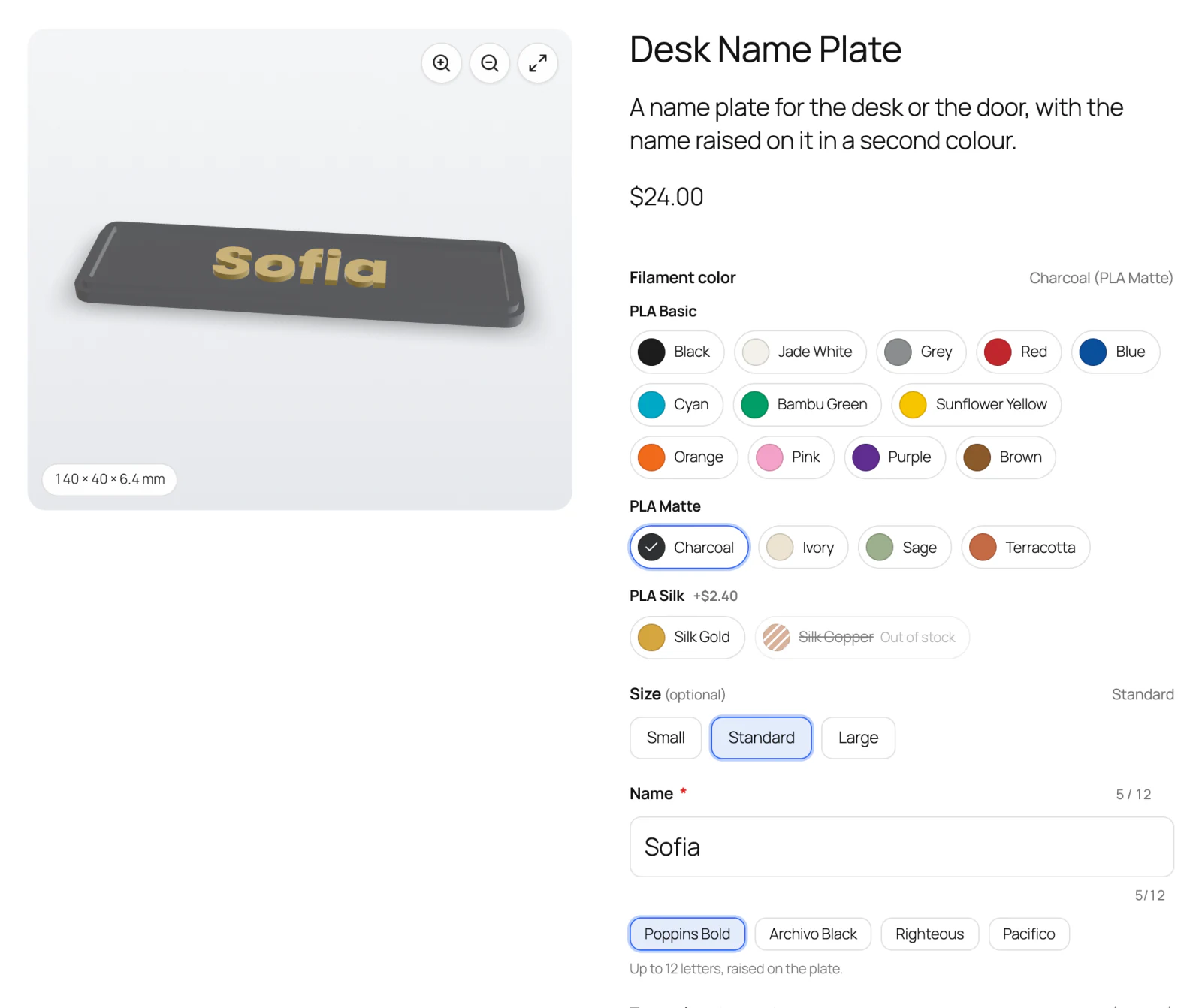
3D Print Customizer turns a FluentCart product into a configurable print: the customer sees the model in 3D, picks a filament colour, a size and whatever options you offer, types a name if the product has 3D text, and pays. You get a print job in a queue with a ready-to-slice file.
Requirements
- WordPress 6.7 or newer, PHP 7.4 or newer.
- FluentCart (free or Pro) with at least one product.
- A modern browser on the storefront; the 3D viewer uses WebGL, which every current browser has.
Bricks is optional. The plugin works with any theme or builder; on Bricks it also adds dynamic data tags for ratings.
Install and activate
- In WordPress, go to Plugins, Add New, Upload Plugin, and upload the zip from your account.
- Activate it. A new menu, 3D Print, appears.
- Open 3D Print, Licence and enter your licence key. The licence keeps the plugin updated through the normal WordPress update screen; everything works without it, you just stop receiving updates.
Your first product
- Create the product in FluentCart as usual, with its base price.
- Go to 3D Print, Products and click the product.
- Upload the model: a Bambu Studio or OrcaSlicer project (
.3mf), an STL or a GLB. The plugin converts it, measures it and lists its parts. - Switch Enable the customizer on and save.
Open the product on the storefront: the 3D viewer takes the place of the product gallery, the filament colours you set up under Settings are offered, and Add to cart creates a print job.
Where things are
| Menu | What it is for |
|---|---|
| Print queue | Every configured print, from "in cart" to "done", with its files |
| Products | Which FluentCart products are customizable and how |
| Showcase | Standalone 3D models for pages, with no controls |
| Settings | Materials and colours, pricing defaults, your printer, the viewer, print files, automation |
| Reference | Shortcodes, dynamic data, the API, for building your own pages |
| Licence | Your key and updates |
| Support | Documentation, changelog, contact, the system report |
Next
- Products: the model, sizes, filaments, weights.
- Options: choices, text, conditional logic.
- Print queue: what happens after the order.